
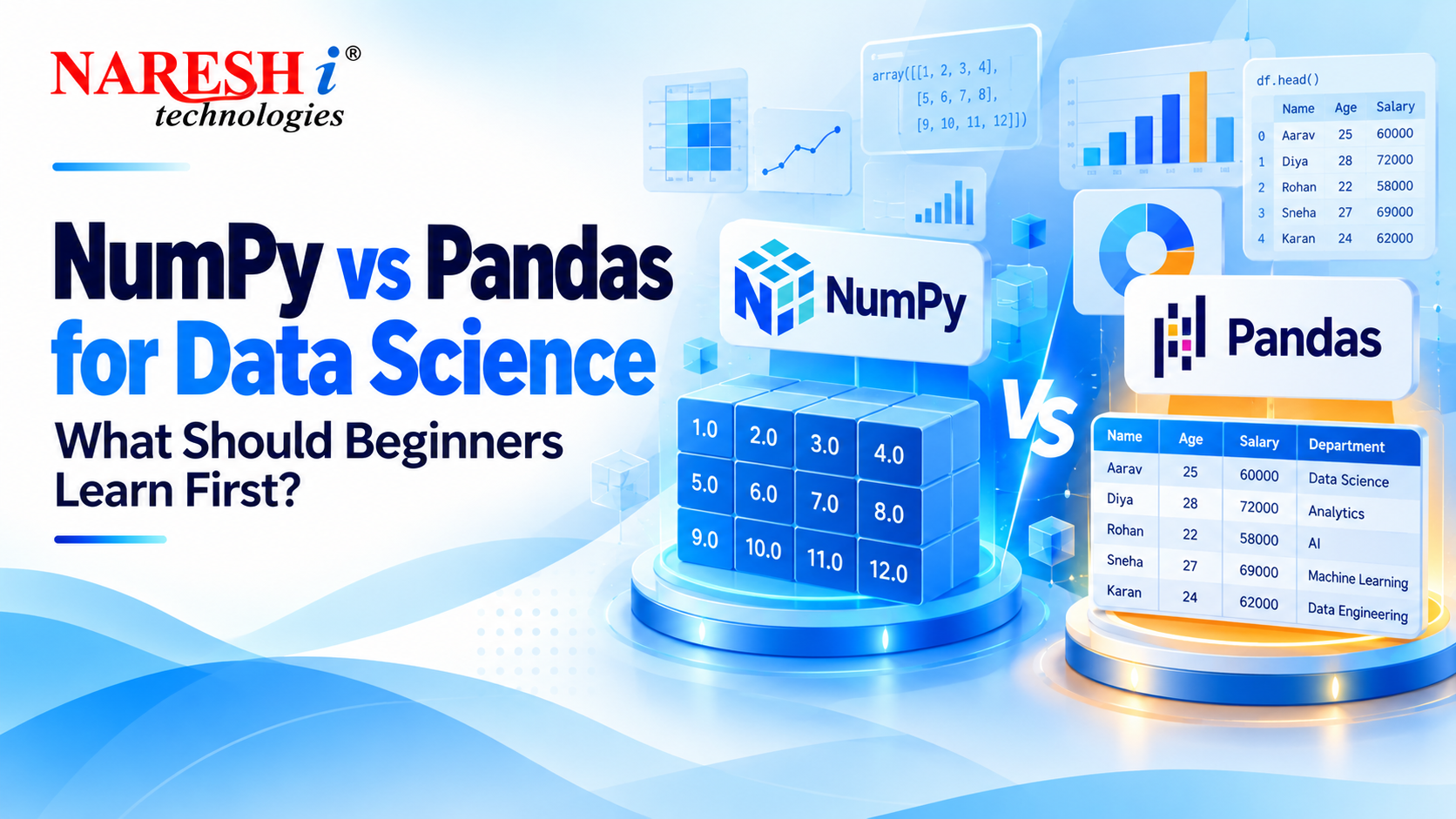
NumPy vs Pandas for Data Science is an important comparison for anyone beginning Python-based data analysis. Both libraries help developers work with information, but they solve different types of problems.
Imagine receiving a spreadsheet containing thousands of sales transactions. You need to calculate revenue, identify missing values and compare monthly performance. Should you use NumPy or Pandas?
Quick Answer: NumPy is particularly useful for numerical arrays and mathematical operations. Pandas is designed for analysing structured, labelled data, including spreadsheet-style tables. Beginners benefit from learning both, starting with basic NumPy arrays and moving into Pandas DataFrames.
What Is NumPy in Python?
NumPy stands for Numerical Python. It provides efficient multidimensional arrays and mathematical functions used in scientific computing and data science.
For example, suppose you have examination marks for five students. NumPy can calculate the average, maximum score and other numerical statistics without writing separate loops.
Python example:
import numpy as np

marks = np.array([72, 85, 91, 68, 84])

print(marks.mean())
print(marks.max())
The first calculation returns 80.0, while the second returns 91.
NumPy becomes particularly valuable when applications involve numerical arrays, matrix operations and mathematical transformations.
What Is Pandas in Data Science?
Pandas is a Python library that helps analysts organise, clean, transform and explore structured data.
Its two widely used data structures are Series, which is one-dimensional, and DataFrame, which represents data in rows and columns.
For example, a training institute might want to analyse course enrolments by month. Pandas can filter the records, group them by course and calculate enrolment totals.
Python example:
import pandas as pd

data = {
    "Course": ["Python", "Java", "Python"],
    "Students": [35, 28, 42]
}

df = pd.DataFrame(data)

print(df.groupby("Course")["Students"].sum())
The result shows 28 students for Java and 77 for Python across the sample records.
NumPy vs Pandas for Data Science: Key Differences
The difference becomes easier to understand when you compare how each library handles information.
| Feature | NumPy | Pandas |
|---|---|---|
| Main purpose | Numerical computing | Structured data analysis |
| Main structure | ndarray | Series and DataFrame |
| Data labels | Primarily positional indexing | Rows and columns can have labels |
| Typical operations | Array maths and matrix calculations | Filtering, grouping and merging |
| Missing data | Depends on data type and methods | Dedicated missing-value tools |
| Best suited for | Numerical algorithms | Tabular business datasets |
When Should Beginners Use NumPy?
Choose NumPy when your project primarily involves numerical calculations, multidimensional arrays or mathematical operations.
A machine learning application might use NumPy to represent model inputs, perform transformations and manipulate numerical features.
For practice, create a small array of product prices. Calculate the total, average and percentage increase. This teaches array operations, indexing and element-wise calculations.
When Should Beginners Use Pandas?
Choose Pandas when your information is organised into records with fields such as customer name, purchase date, amount and product category.
Consider a sales dataset containing duplicate orders and missing customer information. Pandas can help identify those records, clean the table and calculate revenue by region.
For practice, load a CSV file, check missing values, select particular columns and group transactions by month.
Do NumPy and Pandas Work Together?
Yes. Many practical data science workflows use both libraries.
Imagine preparing customer transaction data for a prediction model. Pandas can load a CSV file, remove duplicates and prepare relevant columns. NumPy can support subsequent numerical operations on the resulting arrays.
The libraries complement each other, so learning one does not make the other unnecessary.
Which Should Beginners Learn First: NumPy or Pandas?
Start with basic Python programming. Then learn the fundamentals of NumPy, including arrays, shapes, indexing and simple calculations.
After that, explore Pandas DataFrames, filtering, grouping, missing-value handling and merging tables.
There is no need to master every NumPy function before beginning Pandas. Learn the concepts that help you complete practical exercises.
Beginner Project: Analyse Retail Sales Using Both Libraries
A small retail sales project is an effective way to practise the relationship between NumPy and Pandas.
-
- Collect a sample CSV dataset containing products, prices and quantities.
-
- Load the file into a Pandas DataFrame.
-
- Identify missing records and check numerical data types.
-
- Calculate revenue using price multiplied by quantity.
-
- Use NumPy to calculate numerical statistics where useful.
-
- Group sales by product category and present the results.
The final output can be a notebook containing cleaned data, charts and written observations. Explain your assumptions instead of presenting calculations without context.
What Skills Should Students Learn After NumPy and Pandas?
Once you can confidently analyse structured datasets, expand into Matplotlib, Seaborn, SQL, statistics and Scikit-learn.
Try building a small data science portfolio with different problems, including retail analysis and beginner-level predictive modelling.
Students interested in a structured learning path can explore Full Stack Data Science with Generative AI Training.
Frequently Asked Questions
1. Is NumPy easier than Pandas for beginners?
NumPy introduces fundamental array operations, while Pandas provides convenient tools for tabular analysis. Their difficulty depends on your prior Python and data experience.
2. Can I learn Pandas without learning NumPy?
Yes. Beginners can start using Pandas directly, although understanding NumPy arrays helps explain many numerical operations and data science concepts.
3. Is NumPy faster than Pandas?
NumPy can be efficient for numerical array operations. Actual performance depends on data types, operations and implementation, so neither is universally faster.
4. Are NumPy and Pandas required for Machine Learning?
They are commonly used for data preparation and numerical operations, but the exact libraries required depend on the machine learning tools and project.
5. What project should I build after learning NumPy and Pandas?
Build a retail sales or student performance analysis project. These introduce data cleaning, grouping, numerical calculations and interpretation of practical results.
Conclusion
The NumPy vs Pandas for Data Science comparison is not about choosing a single winner. Both tools support different but connected activities within Python data analysis.
Learn basic arrays through NumPy, practise structured analysis with Pandas and combine them in small projects. Consistent practice will help you understand when each library is useful.
Discussion Question: Which Python library do you find easier to understand: NumPy or Pandas?